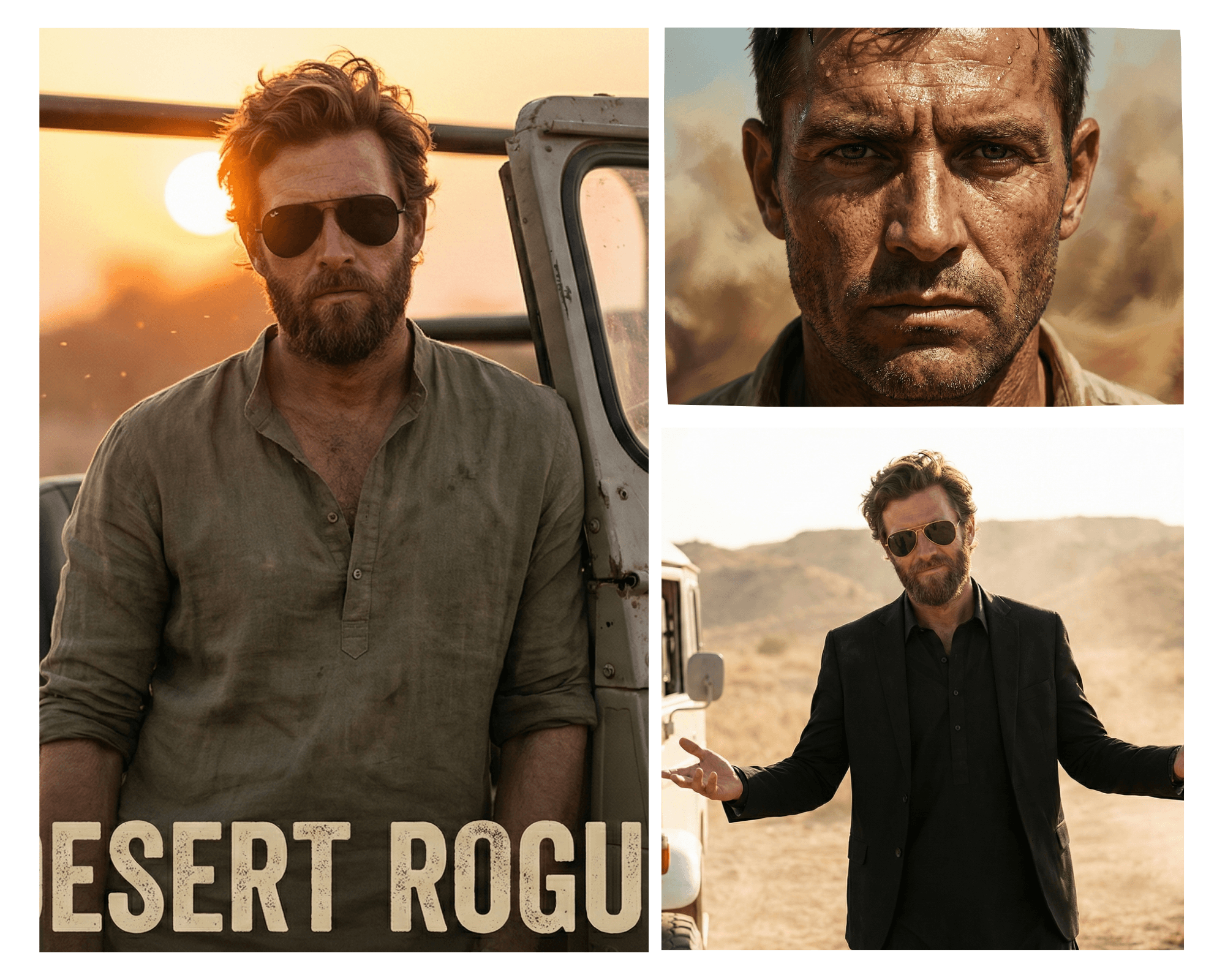
How to Create Viral “Dhurandhar” AI Portraits in Google Gemini (The Real Way)
Look, I’ve been scrolling through Instagram Reels lately, and I keep seeing the same thing.
You’ve seen it too, right?
Those hyper-realistic, gritty, intense portraits of boys and girls looking like they just walked out of a blockbuster movie poster or a political rally. People are calling it the “Dhurandhar” style. It’s basically the “Kabir Singh” aesthetic meets “KGF” lighting rugged, high-contrast, and very intense.
Everyone wants these for their WhatsApp DPs and Instagram thumbnails.
But here’s the problem.
I tried using the prompts that most “AI gurus” are sharing online. You know the ones where they tell you to just type “Replace face with MY FACE” and hit enter.
I tested it yesterday, and honestly? It was a disaster.
Gemini just gave me a random guy with a beard who looked nothing like me. It was frustrating.
The truth is, most of those viral prompt lists are lazy. They don’t account for how Gemini’s engine actually works in late 2025. You can’t just ask it to “know” your face via text.
So, I sat down, tweaked the settings, and figured out the exact workflow to get those viral Dhurandhar results without looking like a cartoon.
If you want to create those “banger” photos (or as some of you are searching, photo banana for your feed), here is the only guide you need.
The “Dhurandhar” Aesthetic: What Are We Actually Aiming For?
Before we get to the copy-paste prompts, let’s look at the data. Why are these images going viral?
It comes down to three things:
- Texture: We aren’t looking for smooth “beauty mode” skin. We want pores, sweat, and dust.
- Lighting: It’s all about dramatic shadows (chiaroscuro) and golden hour backlight.
- Authority: The pose needs to scream “power.”
If your prompt doesn’t have words like “cinematic texture” or “high-contrast,” you’re just going to get a boring, flat image.
The Missing Manual: How to ACTUALLY Use Your Face:
I want to be completely raw with you here.
Text prompts alone will not generate your face.
I don’t care what the other blogs say. If you paste a prompt into Gemini without a reference, you will get a generic model.
Here is the workflow I use to make it look like me:
Step 1: The Reference Upload:
Open Google Gemini. Do not type yet. Click the (+) icon or “Upload Image” button.
Select your best selfie.
Pro Tip: Use a selfie where your lighting is decent. If your selfie is blurry, the AI result will be blurry.
Step 2: The “Face Lock” Command:
Once the image is uploaded, you need to tell Gemini strictly what to do with it. Start your prompt with this sentence:
“Use this uploaded image as a strict reference for facial structure, skin tone, and grooming style. Maintain the subject’s identity but blend it into the following scene…”
Step 3: The Reality Check:
I’ll be honest it won’t be a 100% perfect deepfake. Gemini is an artist, not a xerox machine. But if you follow the prompts below, it gets scary close.
The 2025 Prompt Library: 5 Ideas That Actually Work:
I’ve broken these down into Categories because nobody wants 5 versions of the exact same desert photo. Pick the vibe that fits your personality.
Category A: The “Desert King” (The Viral Look):
This is the classic Dhurandhar look. Think rugged, earthy, and dangerous.
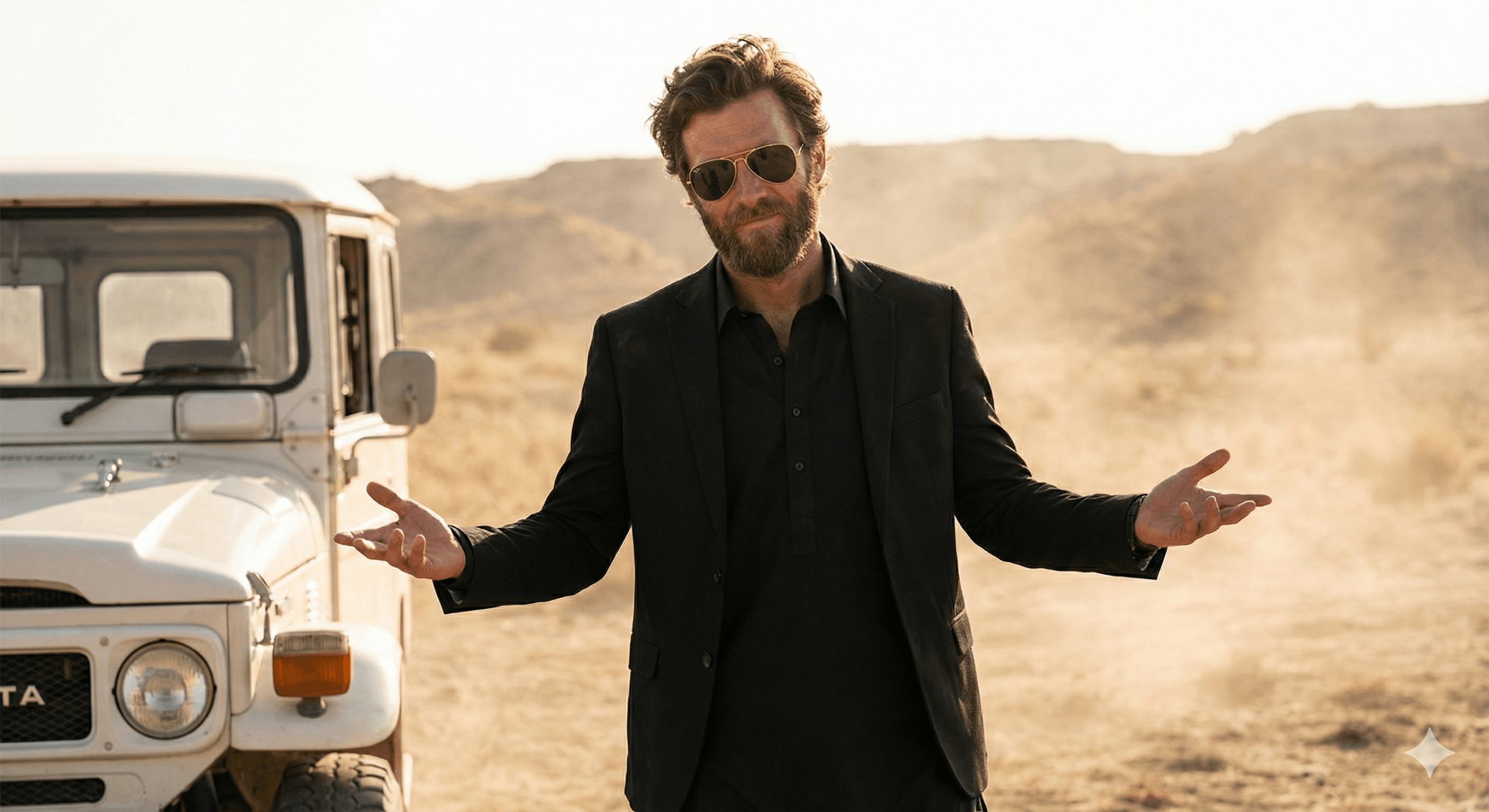
Prompt 1 (The Walker):
“Charismatic, young man with dark, same hair like in the photo and gold-rimmed aviator sunglasses. He is wearing a stylish black suit jacket over a black traditional tunic (shalwar kameez). He has a slightly smirking or confident expression and is gesturing outwards
with both open palms in a ‘what can you do? pose. He is standing in a dusty, desolate desert or mountainous terrain.
A partial view of a white, vintage off-road vehicle (like a Land Cruiser)is visible to his left. The lighting is brig.”
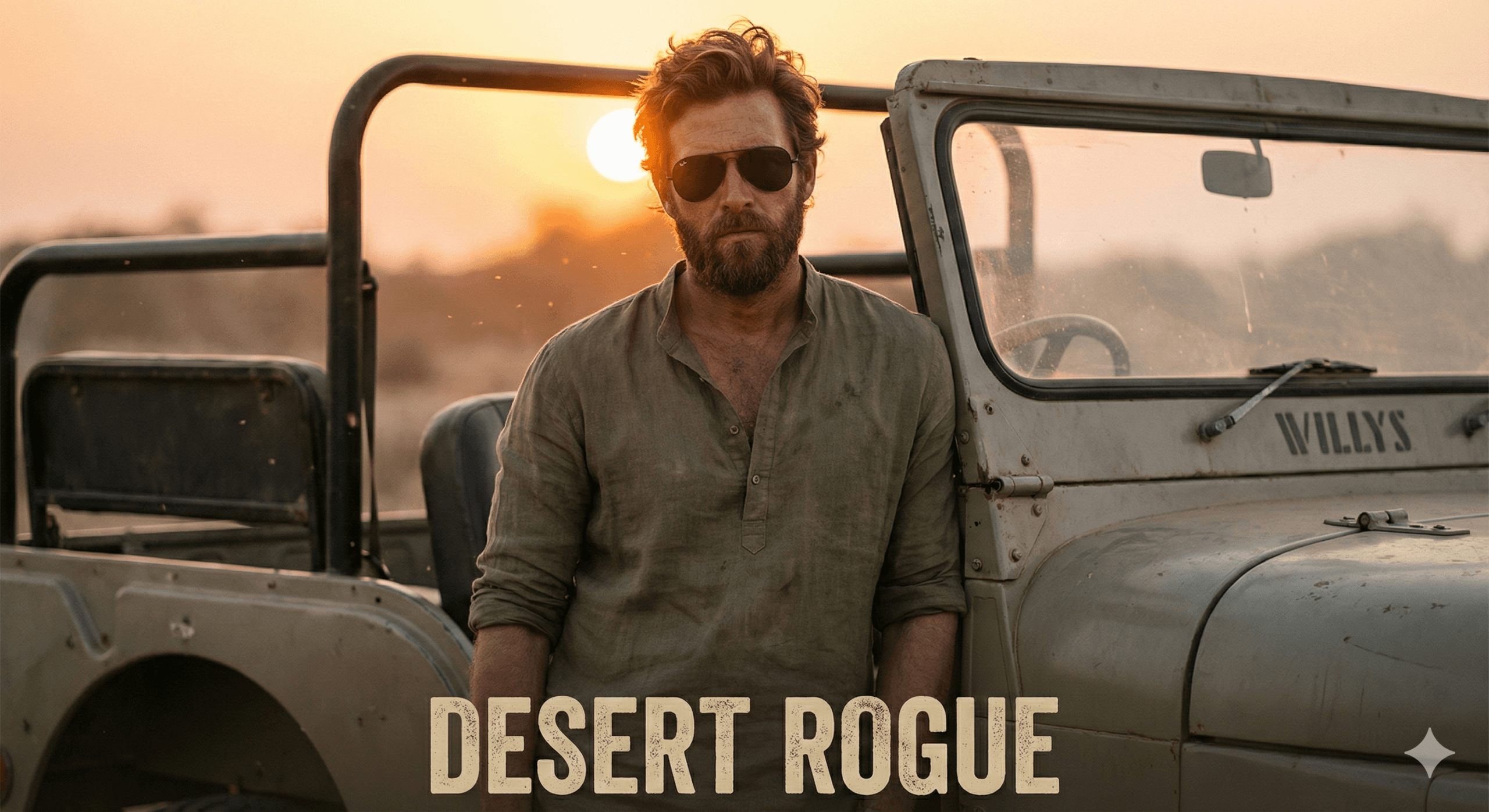
Prompt 2 (The Jeep Shot):
“Medium shot of a stylish man leaning against a vintage open-top jeep in a dusty landscape. Wearing aviator sunglasses and a rolled-up Kurta. The sun is setting behind him, creating a rim-light effect on the hair. Intense expression, movie poster aesthetic, sharp focus.”
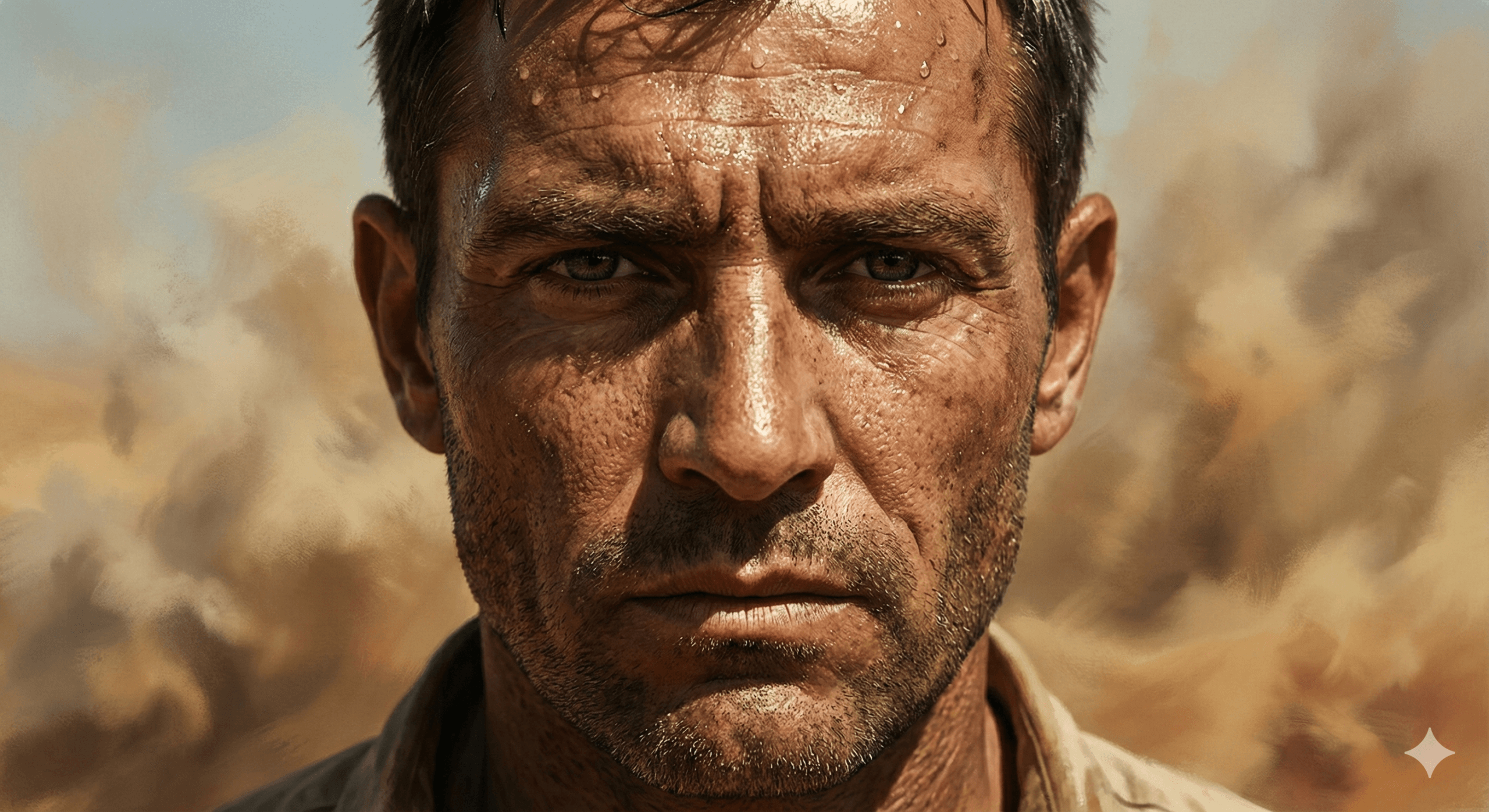
Prompt 3 (The Close-Up):
“Extreme close-up portrait of a man with an intense stare. Sweat on the forehead, visible skin pores, unpolished texture. The background is a blurry desert haze. Lighting is harsh and dramatic, emphasizing the jawline. Dhurandhar style.”
Category B: The “Midnight Mafia” (Urban Vibe):
If you aren’t into the rural look, this is for the city boys.
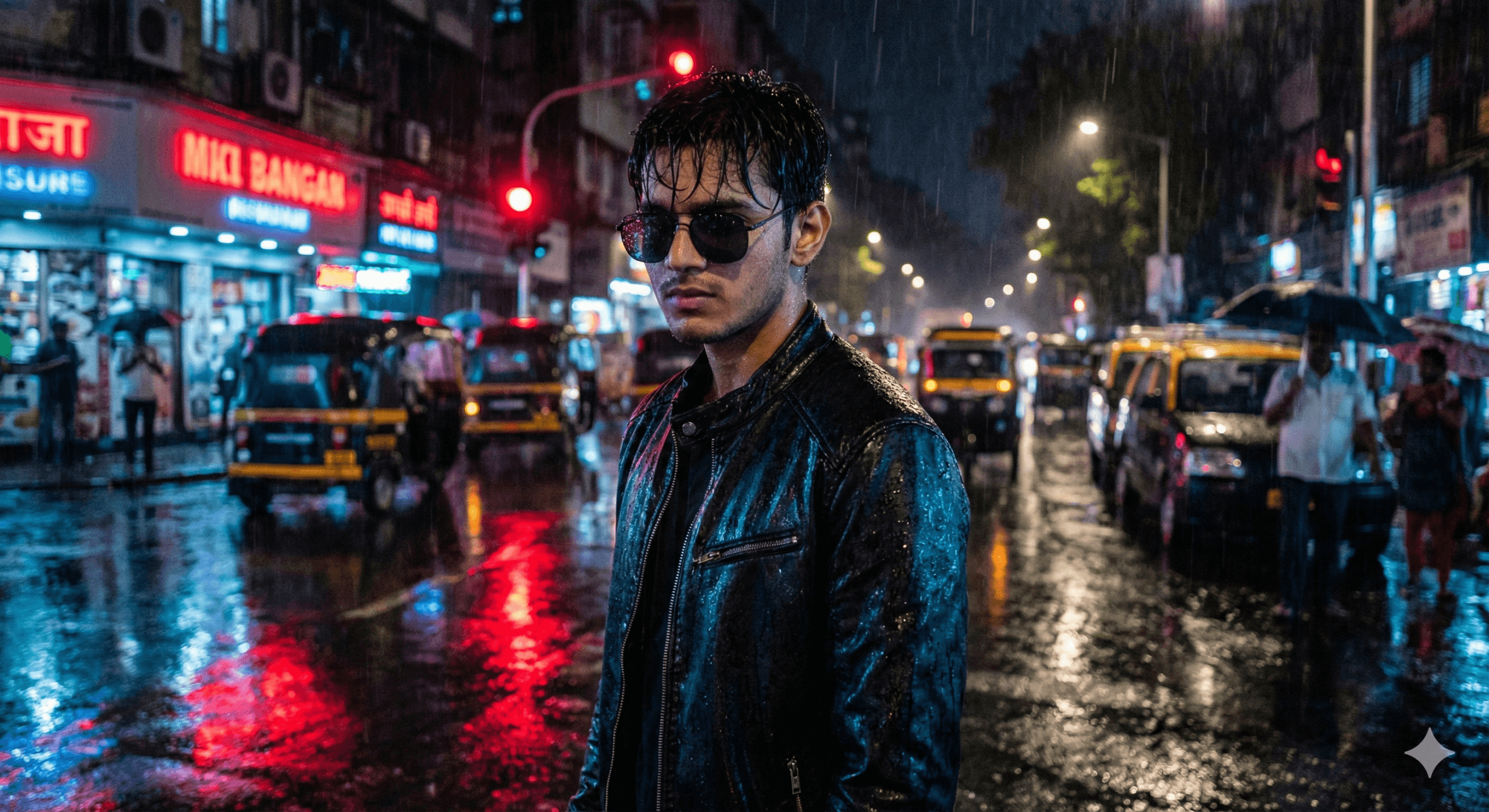
Prompt 4 (Neon Rain):
“Night-time portrait of a young man standing on a rain-slicked Mumbai street. Neon red and blue lights reflecting off his black leather jacket. He is wearing dark sunglasses. Moody atmosphere, bokeh background of city traffic, ultra-realistic wet texture.”
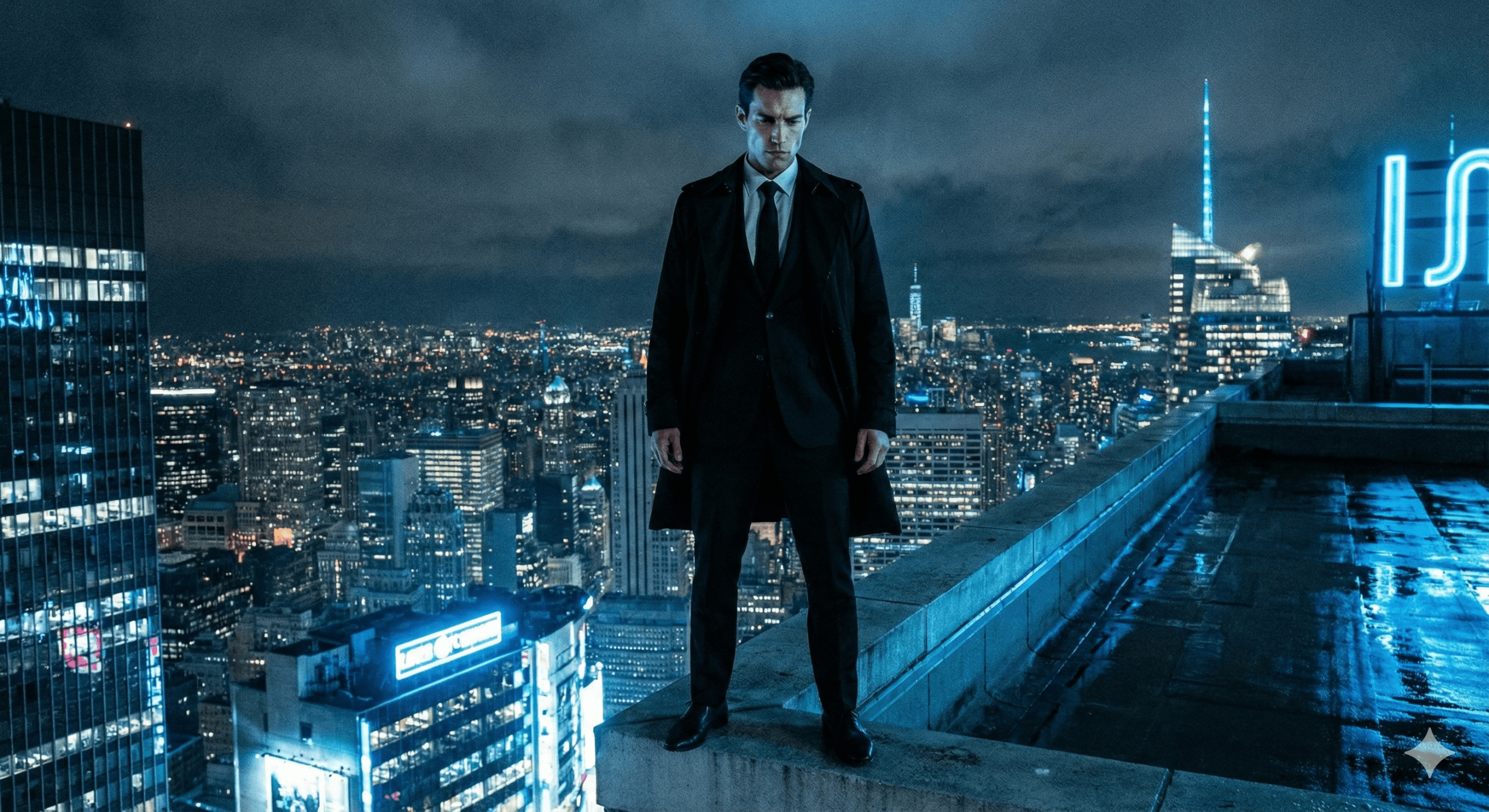
Prompt 5 (The High-Rise):
“Low-angle shot of a man in a sharp black suit standing on a rooftop at night. City skyline in the background. The lighting is cool and blue, giving a mysterious ‘don’ aesthetic. Sharp, defined features.”
The “Secret Sauce”: Modifiers That Save Bad Photos:
Sometimes, you’ll generate an image and think, “This looks like a plastic doll.”
I hate that glossy AI look. It screams “fake.”
To fix it, I always add a few specific keywords to the end of my prompts. If your result looks bad, add these words to your prompt:
- For better skin: “Subsurface scattering, visible pores, unpolished skin texture, Indian olive skin tone.”
- For better lighting: “Volumetric fog, Rembrandt lighting, cinematic color grading.”
- For better realism: “Shot on 35mm lens, depth of field, slight film grain.”
Why Is It Still Not Looking Like Me? (Troubleshooting)
I get asked this a lot. “Neil, I followed the steps, but the guy in the photo looks like a supermodel, not me.”
Here is the deal:
- Your Reference Photo is Weak: If you upload a selfie where you are smiling and the prompt says “angry warrior,” the AI gets confused. Match your selfie expression to the prompt. If you want a serious Dhurandhar photo, upload a serious selfie.
- You Need to Describe Yourself: Help the AI out. If you have a beard, add “Subject has a groomed beard” to the text prompt. If you wear glasses, type “Subject is wearing spectacles.” Don’t rely 100% on the image upload.
Conclusion:
Creating these Dhurandhar-style portraits isn’t just about hopping on a trend. It’s about understanding how to talk to these AI models to get what you want.
We are seeing a shift in 2025 where “perfect” photos are out, and “character” photos are in.
My advice?
Don’t just copy paste all 5 prompts. Pick one that fits your vibe (I personally love the Midnight Mafia one), take a fresh selfie that matches the lighting, and spend 10 minutes refining it.
Once you get that one perfect shot, it’s going to stop the scroll.
Now, go give it a try and let me know how it turns out.